Script
Set Comp Background to Gray.
Set the composition background to gray.
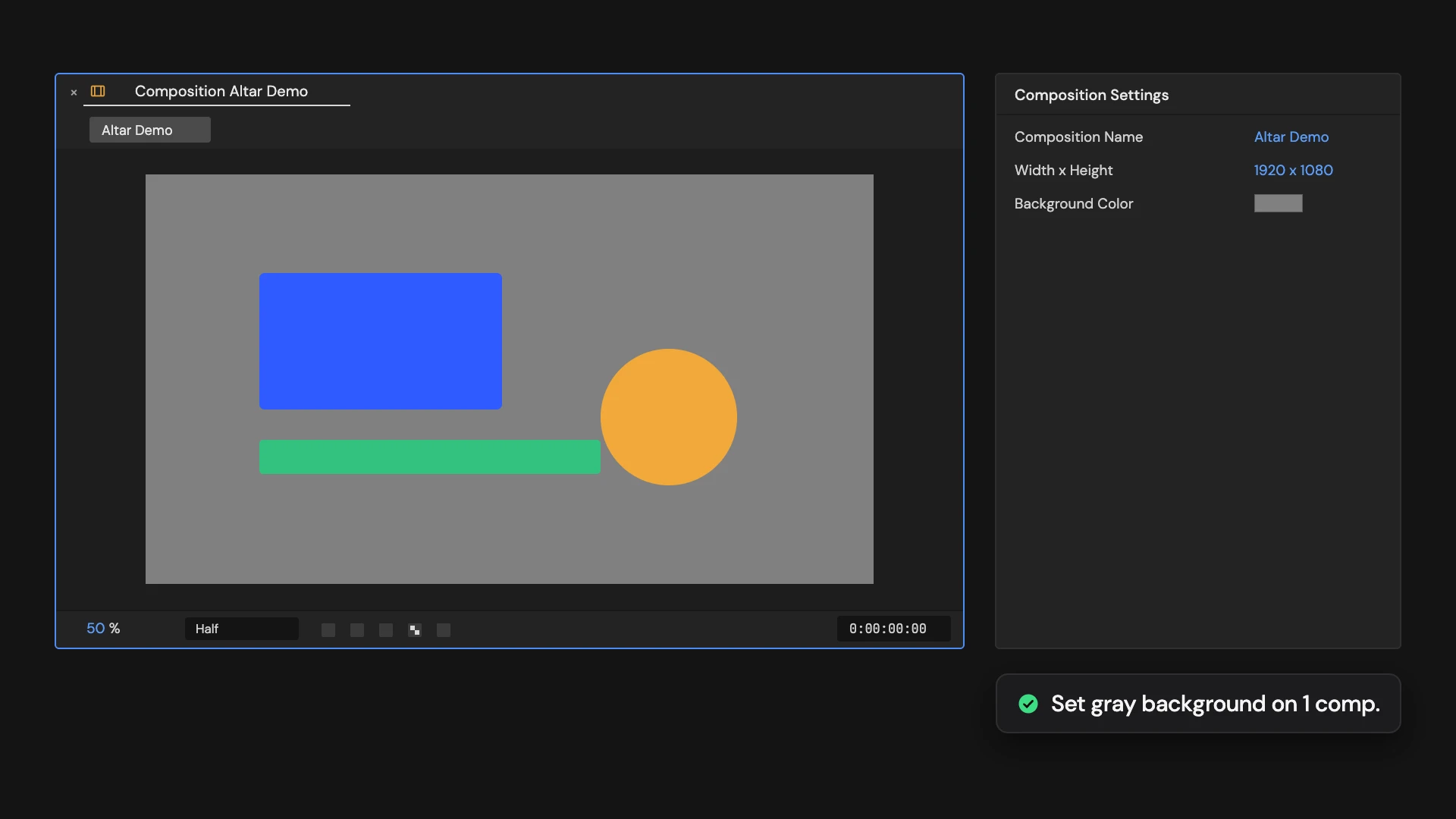
What it does
Sets the active comp’s background color to 50% gray and turns off the transparency grid. Hold Ctrl/Cmd to set it on the comps selected in the Project panel instead.
Controls
- Click: Set active comp background
- Ctrl/Cmd: Set selected comp backgrounds
Details
- Category: View Tools
- Kind: Script
- Also searched as: view, background, gray, grey, composition, viewer
Guide
Use it
Open the comp and click Set Comp Background to Gray. Its background color is set to 50% gray and the viewer’s transparency grid is turned off, so you see the background.
More than one comp
Hold Ctrl/Cmd as you click to set it on every comp selected in the Project panel instead. Each comp is opened in a viewer on the way.
Good to know
- The background color shows in the viewer. It is not rendered when you export with an alpha channel.
- Edit > Undo puts the previous background back. The transparency grid is a viewer setting: switch it back with Toggle Transparency Grid.