Solo Layers in Comp Viewer.
Solo selected layers in the viewer.
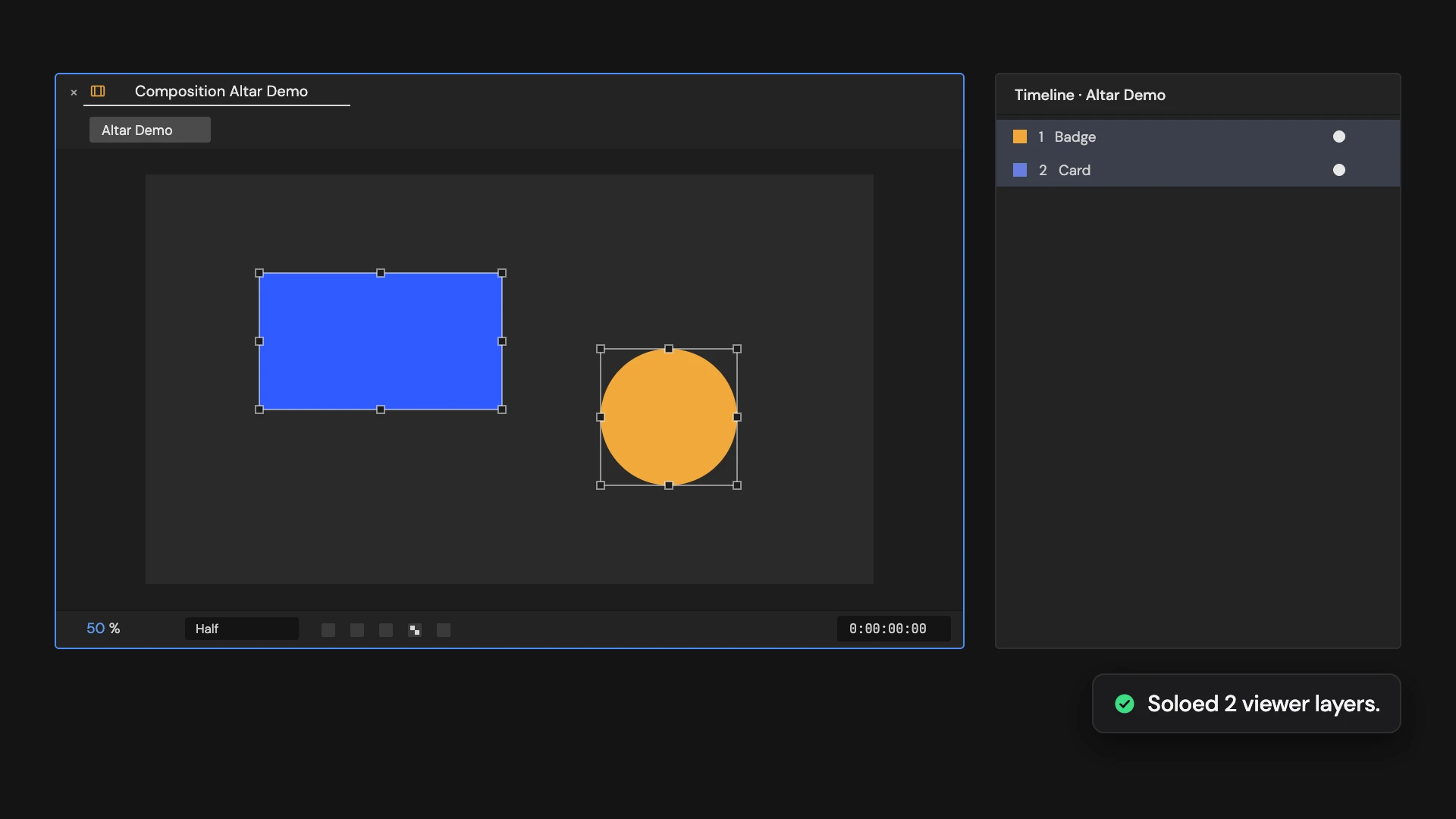
What it does
Solos the selected layers so only they show in the viewer, and makes the rest shy so they leave the Timeline. Click again while any layer is soloed to clear solo on every turned-on layer and shy on every layer. Hold Ctrl/Cmd to solo every layer that shares a selected layer’s label color.
Controls
- Click: Solo selected layers
- Ctrl/Cmd: Solo matching label colors
Details
- Category: View Tools
- Kind: Script
- Also searched as: view, viewer, solo, isolate, shy, layers
Guide
Solo the layers
- Select the layers you want to see.
- Click Solo Layers in Comp Viewer.
The selected layers are soloed, so only they show in the viewer. Every other layer is made shy and Hide Shy Layers is turned on, so the Timeline shows just your selection too.
Hold Ctrl/Cmd as you click to solo every layer that shares a label color with the layers you selected.
Go back
Click again while any layer is soloed. Solo is cleared on every turned-on layer, shy on every layer, and Hide Shy Layers is turned off. You don’t need a selection for this.
Good to know
- Turned-off layers stay off and are never soloed.
- Going back clears the solo switch of every turned-on layer and every shy switch in the comp, including ones you set yourself. To get your own setup back exactly, use Edit > Undo instead.