Script
Toggle Transparency Grid.
Toggle the transparency checkerboard.
What it does
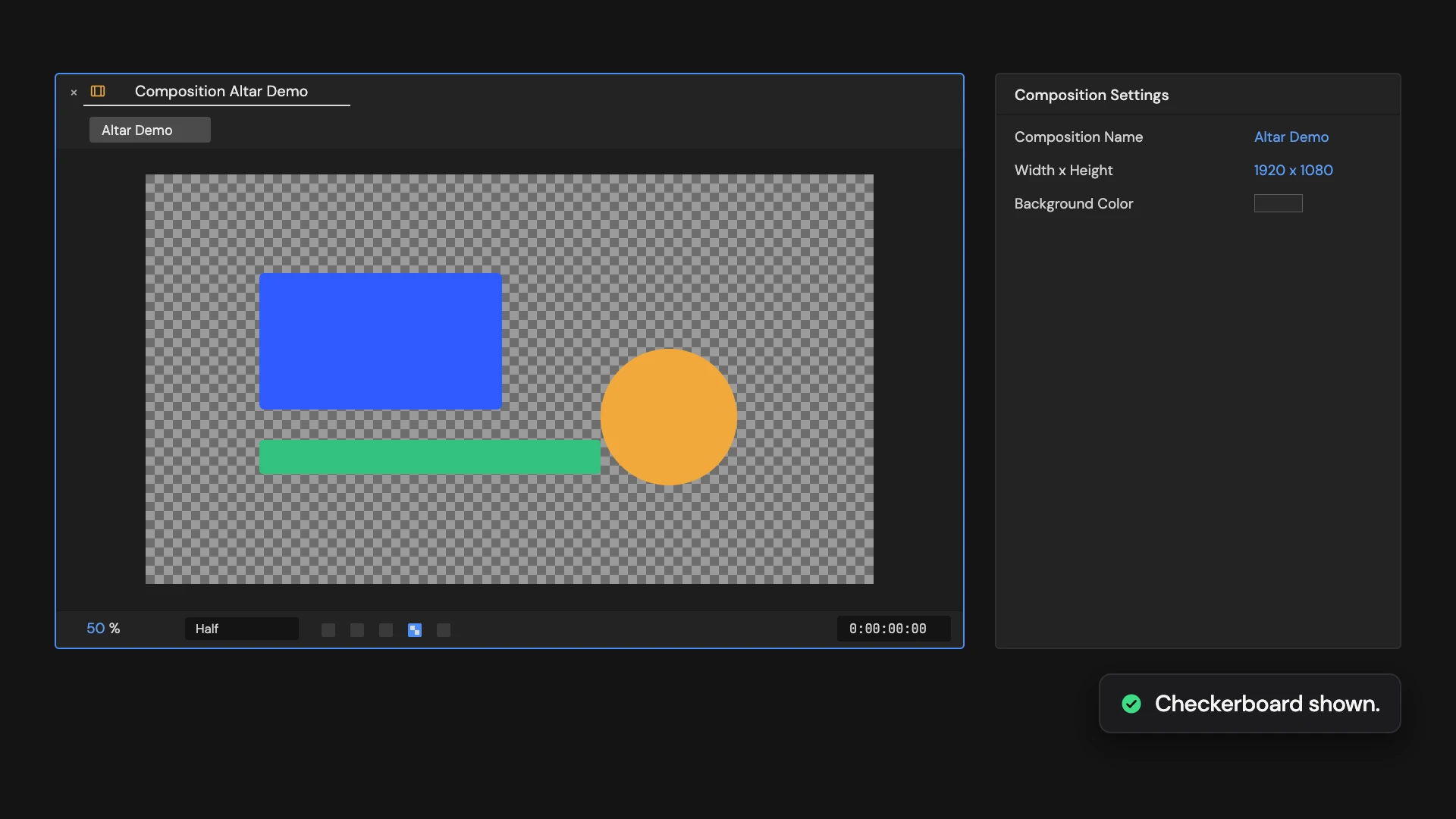
Shows or hides the transparency checkerboard in the active comp viewer. Hold Ctrl/Cmd to toggle it in the viewers of the comps selected in the Project panel instead.
Controls
- Click: Toggle active viewer
- Ctrl/Cmd: Toggle selected comp viewers
Details
- Category: View Tools
- Kind: Script
- Also searched as: view, viewer, checkerboard, transparency, alpha, toggle
Guide
Use it
Open the comp and click Toggle Transparency Grid to show the checkerboard behind transparent areas, or hide it to see the background color. Click again to switch back.
More than one comp
Hold Ctrl/Cmd as you click to toggle it in the viewers of every comp selected in the Project panel instead. Each one flips from its own state.
Good to know
- It only changes the viewer: your renders and the comp’s background color stay the same.
- It does the same as the transparency grid button under the viewer.