Script
Reveal Comp in Project.
Find selected precomps or the active comp in the Project panel.
What it does
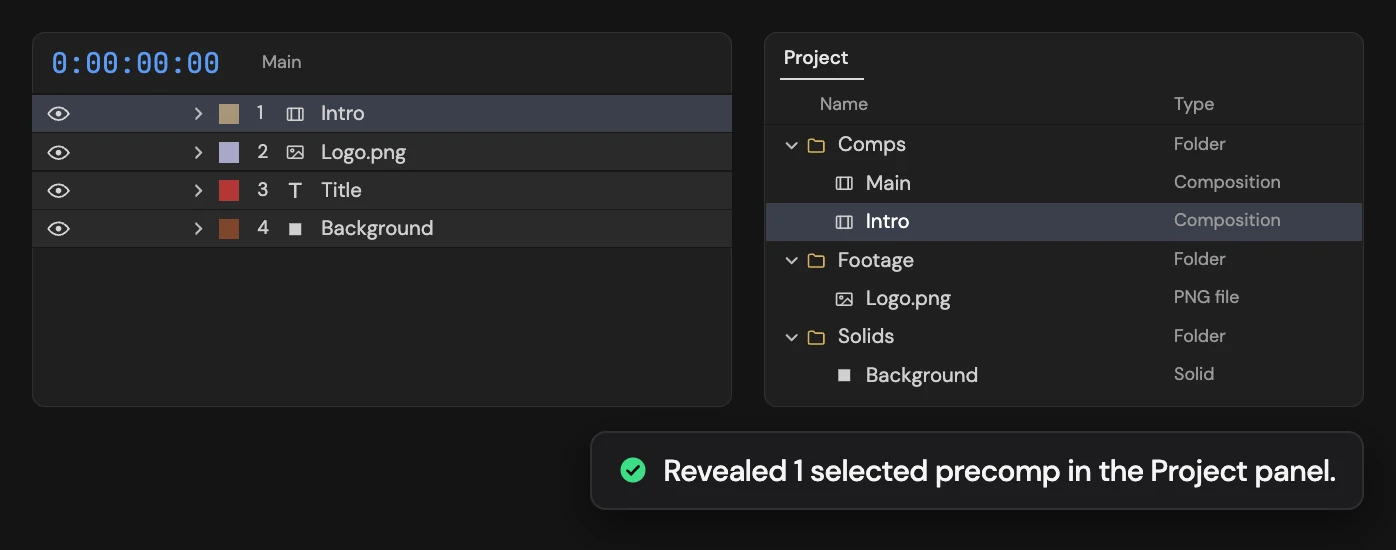
Selects the source compositions of the selected precomp layers in the Project panel and brings the panel forward. With no precomp layer selected, it selects the active composition instead. Anything else selected in the Project panel is deselected first.
Controls
- Click: Highlight selected precomps or the active comp
Details
- Category: Project Tools
- Kind: Script
- Also searched as: project, comp, composition, reveal, select, find, panel
Guide
Find a precomp’s source
- Select one or more precomp layers in the timeline.
- Click Reveal Comp in Project.
The Project panel comes forward with the source compositions of those layers selected. A precomp used several times is selected once.
Find the comp you are in
With no precomp layer selected, the active composition is selected in the Project panel instead.
Anything else selected in the Project panel is deselected first. Only the selection changes, so there is nothing to undo.