Script
Remove Broken Expressions.
Remove broken expressions from the comp.
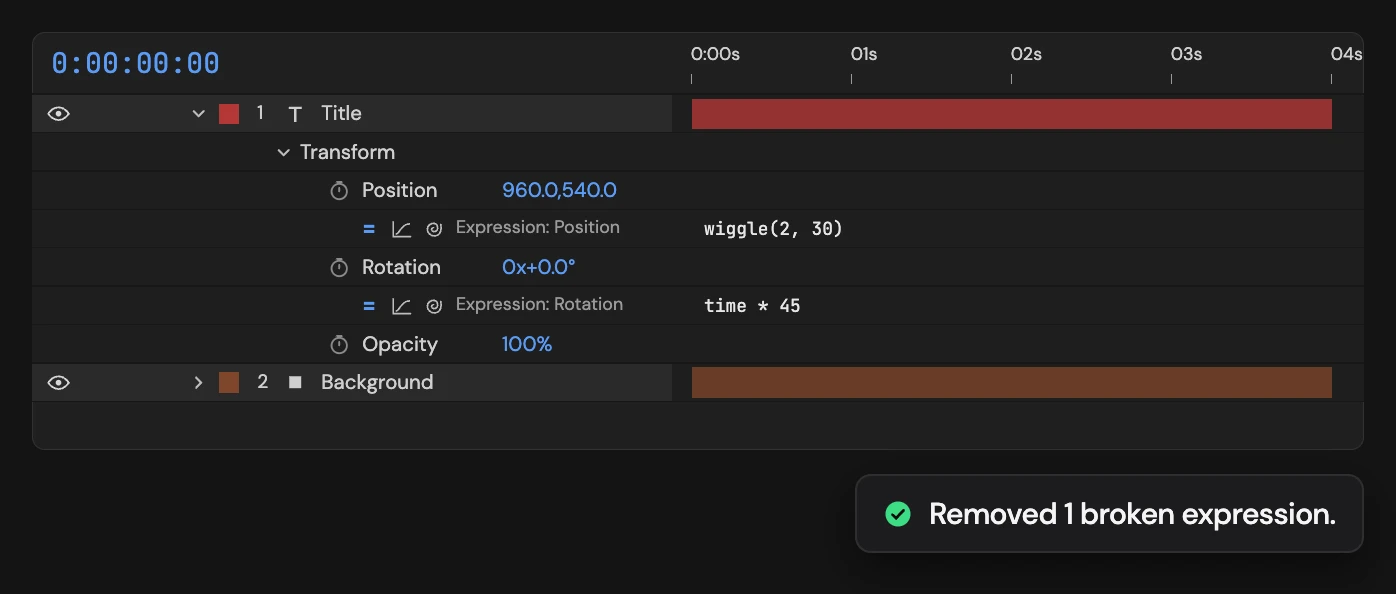
What it does
Checks every layer in the active composition, whatever is selected, and deletes only the expressions that currently show an error. Working expressions are left alone, and layers inside precomps are not checked.
Controls
- Click: Remove broken expressions
Details
- Category: Expression Tools
- Kind: Script
- Also searched as: expression, error, broken, cleanup, remove
Guide
Clean up broken expressions
- Open the composition.
- Click Remove Broken Expressions.
Altar checks every layer in the comp, whatever is selected, and deletes the expressions that currently show an error, for example one that points to a layer you renamed or deleted. Working expressions are left alone.
Layers inside precomps are not checked: open the precomp and click again. If no expression has an error, Altar tells you and nothing changes. Each click is a single undo step.