Script
Toggle Snap to Guides.
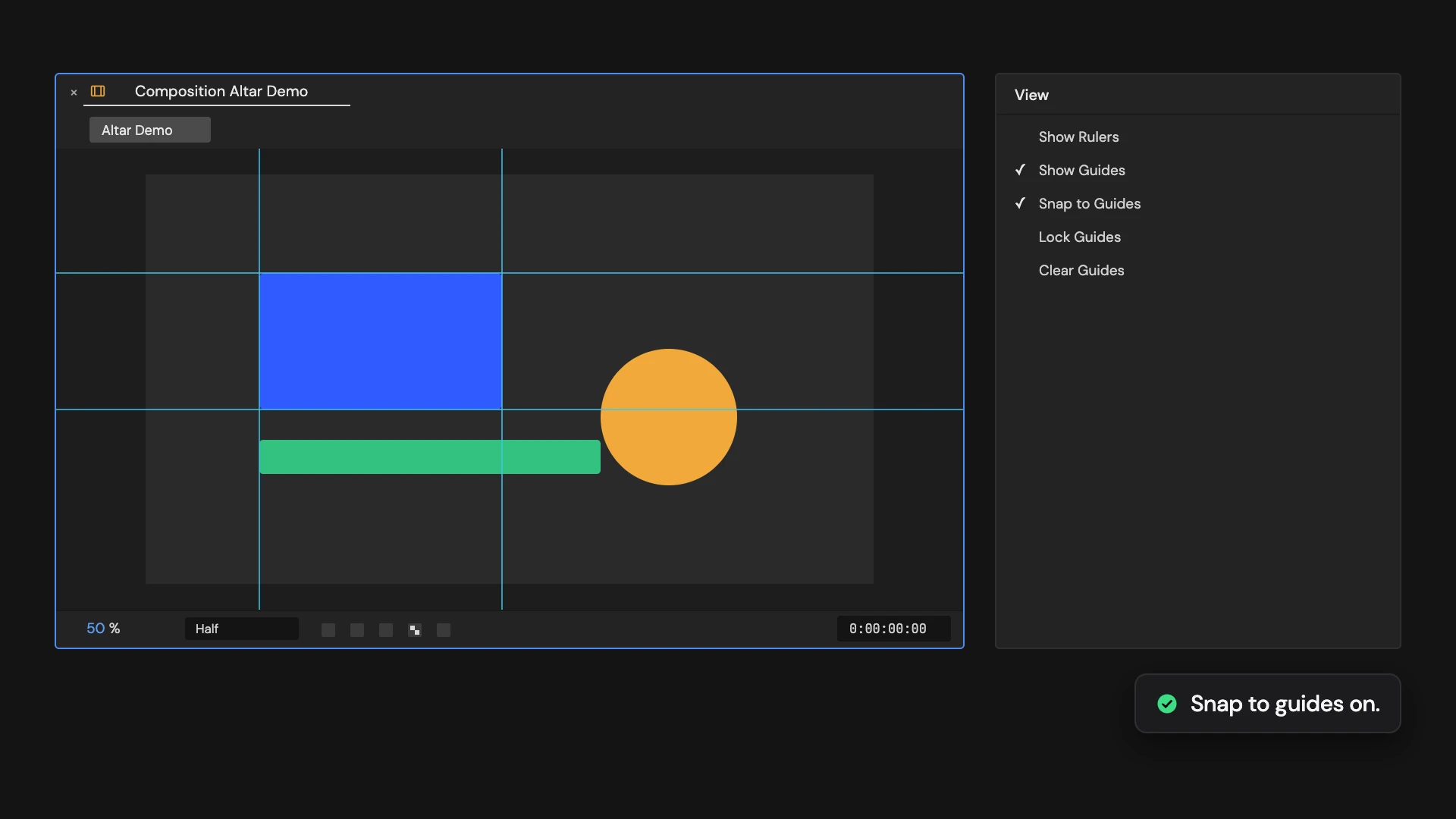
Toggle snapping to guides in the comp viewer.
What it does
Turns snapping to guides on or off in the active comp viewer. Click again to switch back.
Controls
- Click: Toggle snap to guides
Details
- Category: Guide Tools
- Kind: Script
- Also searched as: guides, snap, magnet, viewer
Guide
Use it
With a comp viewer open, click Toggle Snap to Guides to turn snapping to guides on or off. Click again to switch back.
Good to know
- It changes the viewer, not the comp, so nothing in the comp or its renders changes. The Add Guides Tools switch snapping on for you.
- It does the same as the matching command in the View menu.
- Viewer settings are not part of Edit > Undo: click the Tool again instead.