Script
Keep Shape Stroke Width Constant.
Keep stroke widths visually consistent while scaling.
What it does
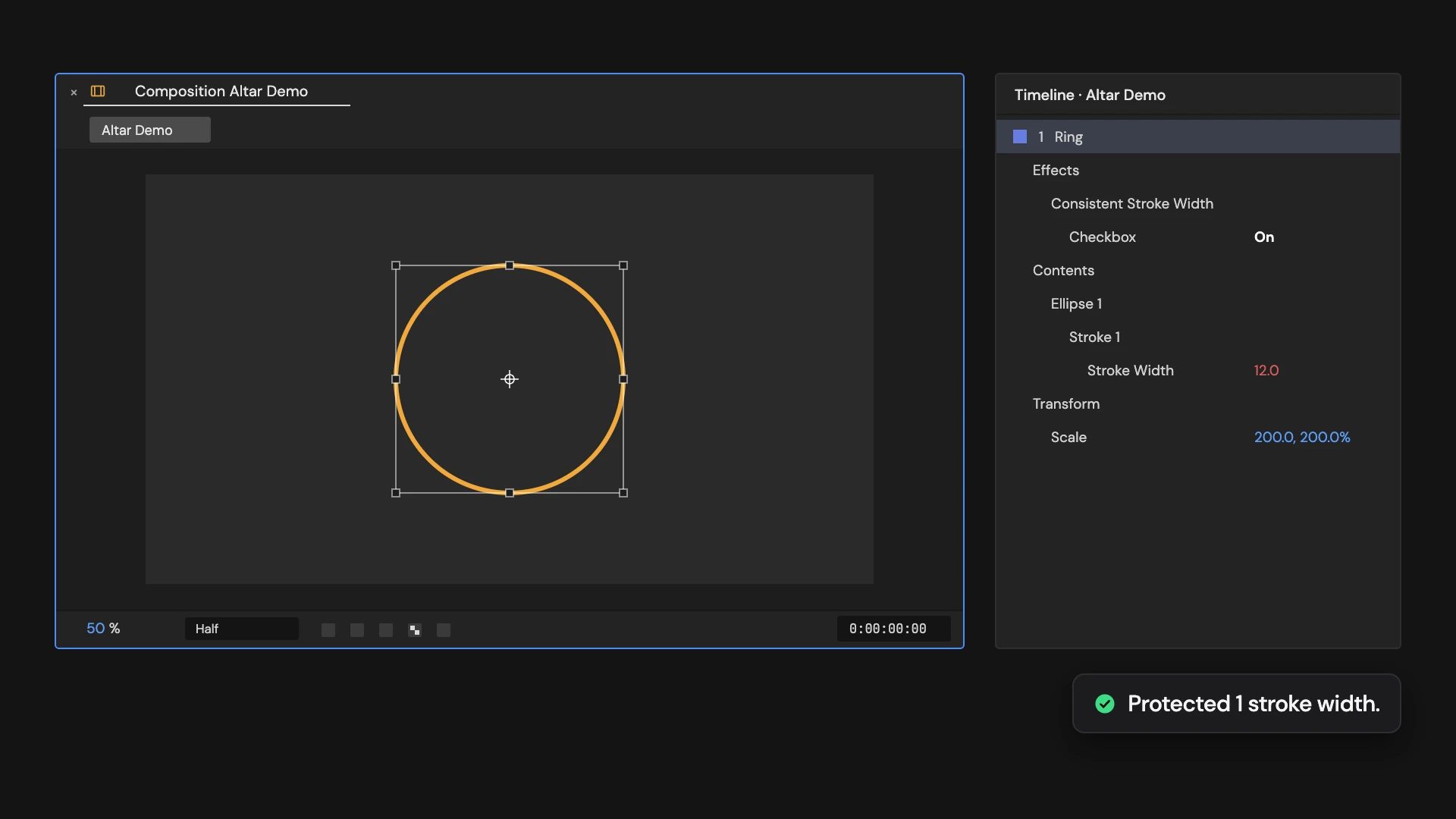
Adds a Consistent Stroke Width checkbox to each selected shape layer and an expression to every stroke width, so strokes keep their width as the layer scales. Turn the checkbox off to let them scale again.
Controls
- Click: Protect stroke widths from scaling
Details
- Category: Shape Tools
- Kind: Script
- Also searched as: shape, stroke, width, scale, expression
Guide
Protect the strokes
- Select one or more shape layers that have strokes.
- Click Keep Shape Stroke Width Constant.
Each layer gets a Consistent Stroke Width checkbox under Effects, and every stroke width gets an expression that divides it by the layer’s scale. Scale the layer up or down and the lines stay the width you set.
Good to know
- Turn the checkbox off to let the strokes scale with the layer again.
- Stroke widths that already have an expression are left alone.
- With uneven scale, such as 200% wide and 100% tall, the width is an average.
- Select shape layers only; a selection that includes other layers is refused. Edit > Undo removes it all in one step.