Script
Select Editable Paths.
Select a layer's shape and mask paths for editing.
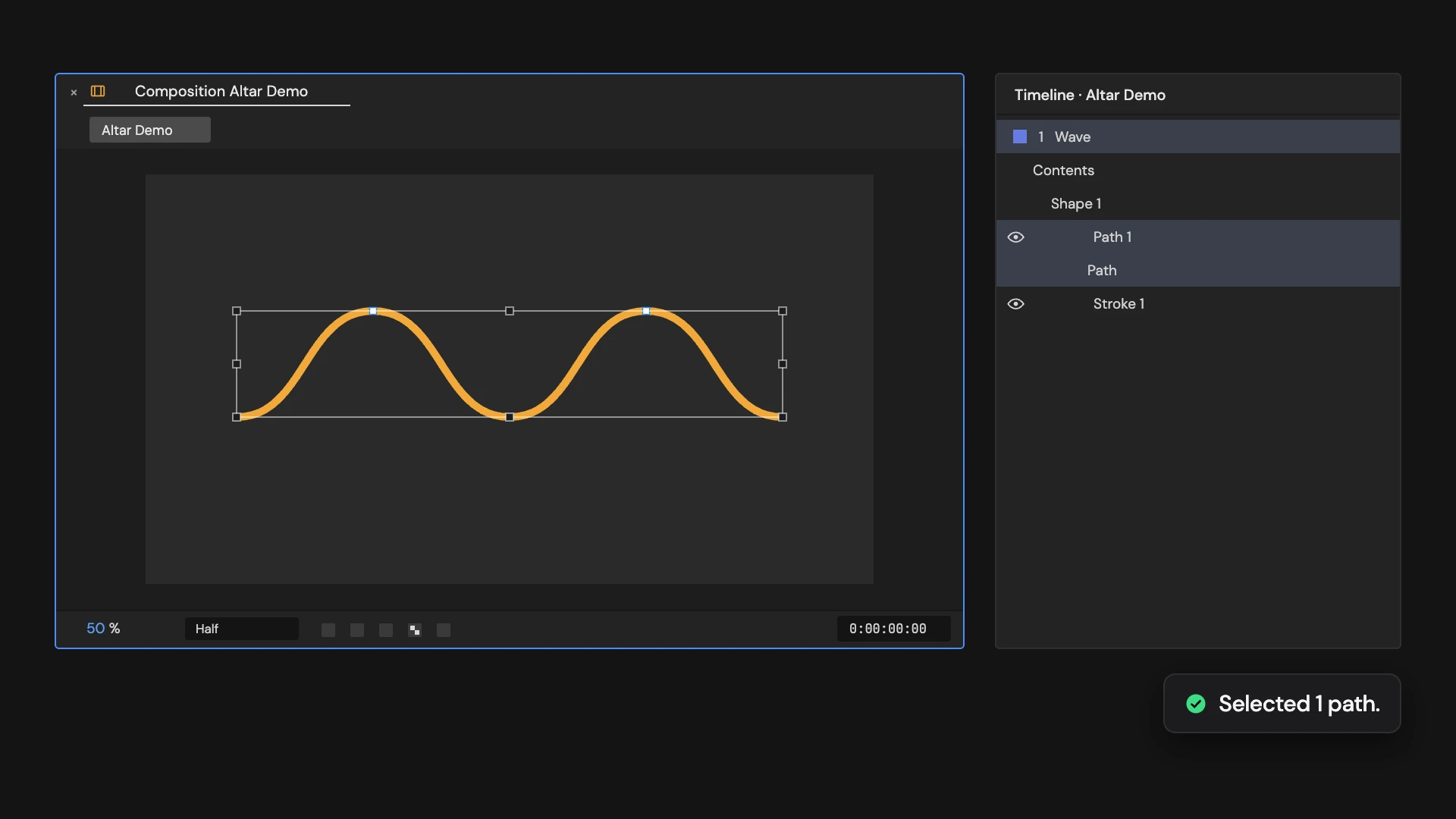
What it does
Selects every Bezier shape path and mask path on the one selected layer, ready to edit their points. Rectangles and ellipses need converting to Bezier paths first.
Controls
- Click: Select editable paths
Details
- Category: Shape Tools
- Kind: Script
- Also searched as: shape, path, mask, edit, select
Guide
Select the paths
- Select one shape layer or masked layer.
- Click Select Editable Paths.
Every Bezier path in the layer’s shapes and masks is selected, together with its path group, so you can start moving points in the viewer.
Good to know
- Rectangle, ellipse, polygon and star shapes are not Bezier paths. Right-click them and choose Convert To Bezier Path first.
- It works on one layer at a time.
- Selecting is not part of Edit > Undo.