Script
Select Shape Fills.
Select every fill in your shape layers.
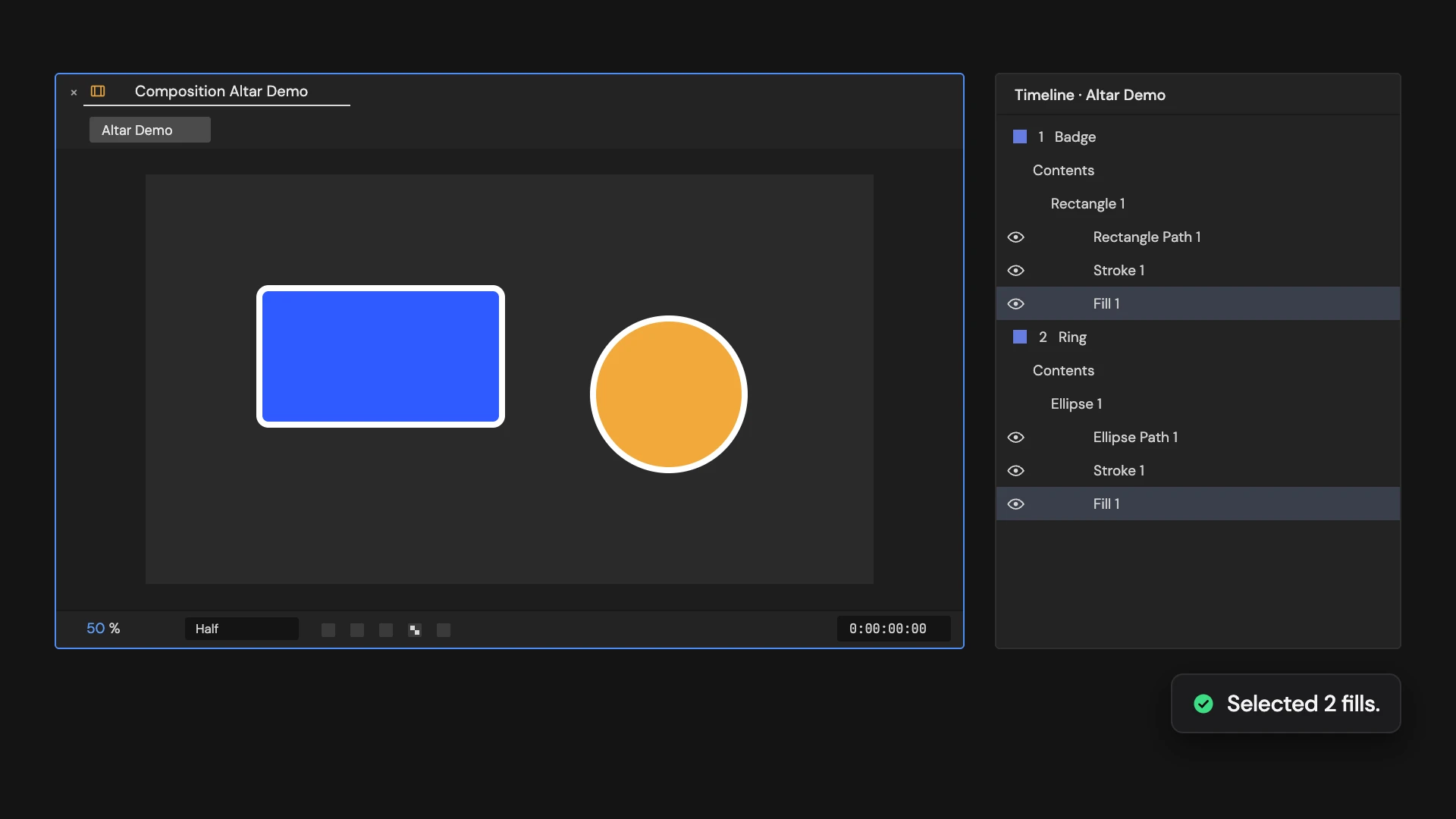
What it does
Selects every fill in the selected shape layers, including fills inside groups, or in every unlocked shape layer when no shape layer is selected.
Controls
- Click: Select all fills
Details
- Category: Shape Tools
- Kind: Script
- Also searched as: shape, fill, select, property
Guide
Select the fills
Select shape layers and click Select Shape Fills. With no shape layer selected, it looks in every shape layer in the comp.
Every fill is selected, including fills inside groups, so you can change their color or opacity together in the Timeline.
Good to know
- Locked layers are skipped.
- The fills are added to whatever is already selected.
- Selecting is not part of Edit > Undo.