Script
Create Guide Grid Overlay.
Create a comp-sized non-rendering guide grid.
What it does
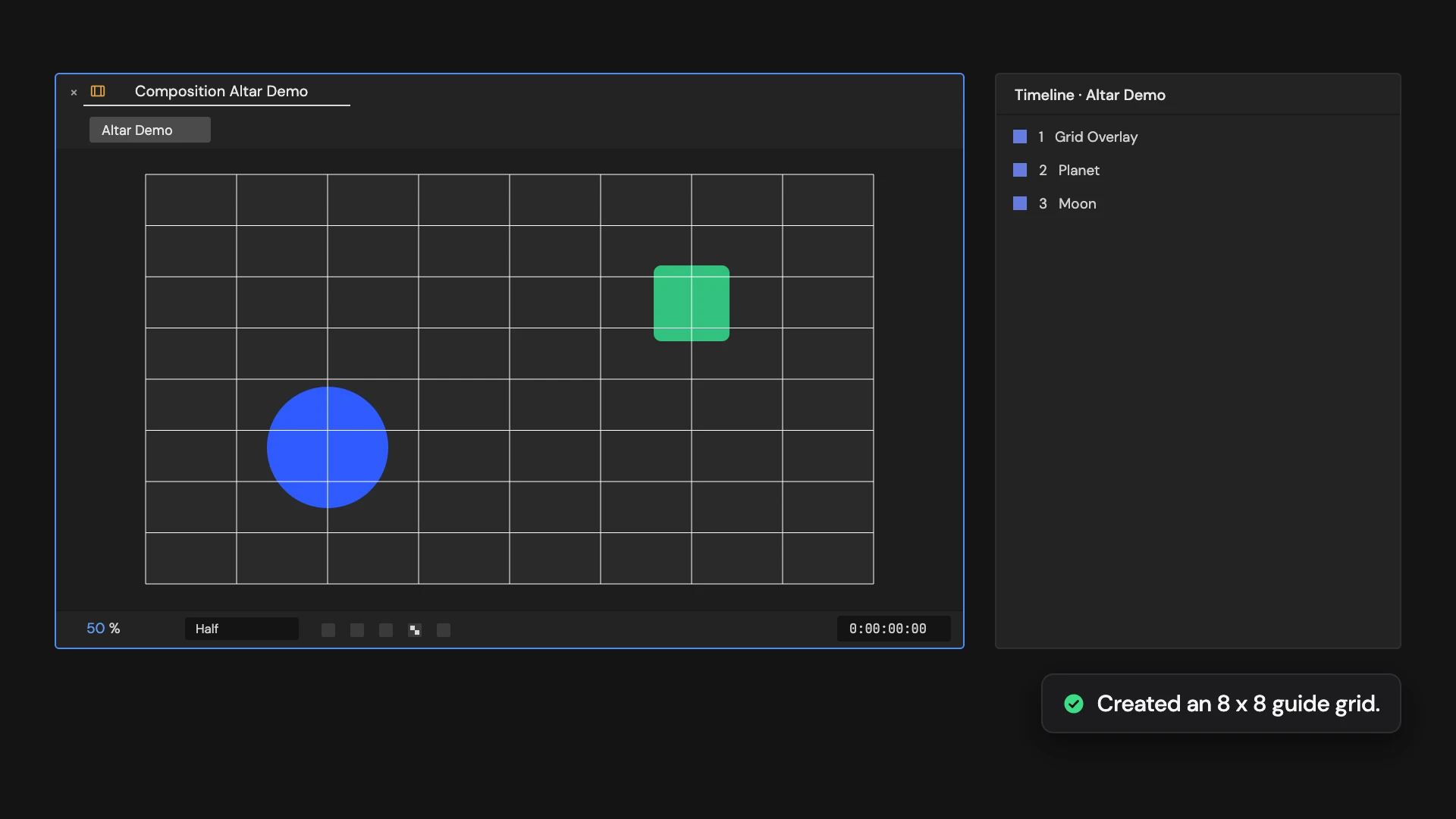
Adds a comp-sized 8 by 8 grid of 1-pixel lines as a guide layer at the top of the comp. Guide layers don’t render.
Controls
- Click: Create guide grid
Details
- Category: Shape Tools
- Kind: Script
- Also searched as: shape, grid, overlay, guide, layout
Guide
Add the grid
Open the comp and click Create Guide Grid Overlay. No selection is needed.
A guide layer called Grid Overlay is added at the top of the comp: 8 columns by 8 rows of 1-pixel lines, edge to edge, sized to the comp.
Good to know
- Guide layers show in the viewer but not in renders, or in comps this one is nested in.
- The grid is sized when it is made. If you change the comp size later, make a new one.
- Clicking again adds another grid. Delete the layer, or use Edit > Undo, to remove it.